Falcon News and Updates
Upcoming Events:
Thursday, April 30 - Daddy and Me Carpenter Night - 6:30-8:00 in the lunchroom
Thursday, May 2 - Kindergarten Orientation - 6:30 pm
Saturday, May 4 - Fertile-Beltrami Prom Night
Monday, May 6 - Honors Banquet - 6:30 in the old gym
Tuesday, May 7 - K-3 Elementary Concert - 7:00 pm in the new gym
Friday, May 10 - 4th grade Beginning Band Display Night - 4:30-6:30 pm in the band room
Monday, May 13 - Band/Choir Concert - 7:00 pm in the new gym
The 2024 F-B Distinguished Alumnus, Alan Larson a 1981 graduate of FB, was recognized at the Fertile-Beltrami Education Foundation Spring Banquet on Monday, April 8th. The Phyllis and Jim Larson Service to Education Award was awarded to Carol Petersen for her service to our school. Congratulations to both Alan and Carol!
Congratulations to Easton Kieckbusch, 6th grade, who wrestled at the Jaycees State Wrestling Meet and took 1st place in the 140 lb weight class. Keep up the great work Easton!
Daddy and Me Carpenter Night will be on April 30, 2024 from 6:30-8:00 pm in the lunchroom. Bring a hammer and enjoy building a birdhouse with a special man in your life. There is a $5 fee per project. Please pre-register with Bonnie for this event so we can plan for enough supplies for everyone. Bonnie Meine - bmeine@isd599.org or call 218-945-6933 ext 101
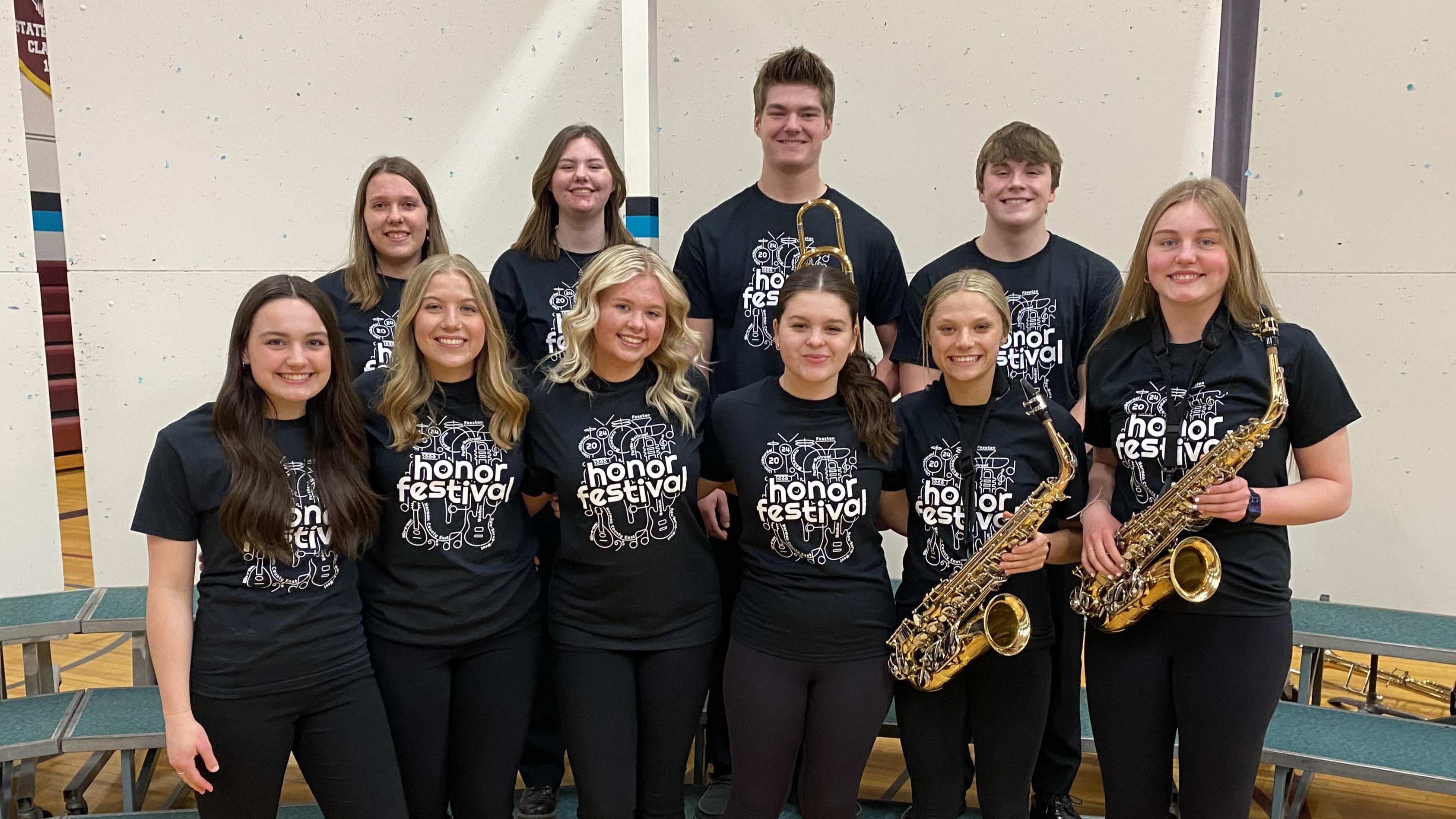
Click to view the concert link of our Subsection 30 Honors Concert featuring the following F-B Musicians and Vocalists: Ella Anderson, Catherine Broden, Lydia Christianson, Tori Gorder, Taylor Grieve, Ava Grunhovd, Jonah Harstad, Katrina Hitchen, Kate Larson, Leo Moland, Madi Stueness, and Olivia Ystenes
April Students of the Month are Leo Moland and Hadlee Erickson! Thanks for being great students!
The FB After School Program is an opportunity for students 2nd-6th grade to participate in various fun activities after school! Check out the April calendar here!
FB HIGHLIGHTS
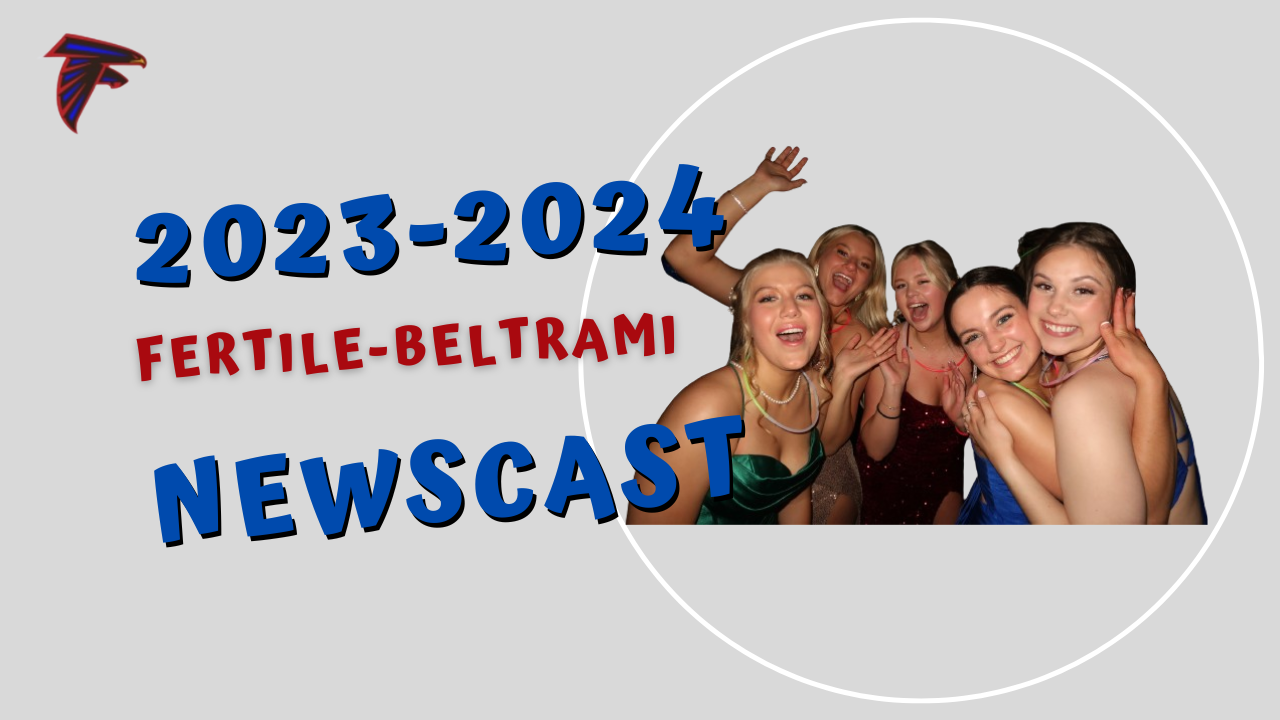
- Newscast #13!
Falcon Track, Junior High Play, Knowledge Bowl! - FB Booster Club partners with Elementary for I Love To Read tshirts!
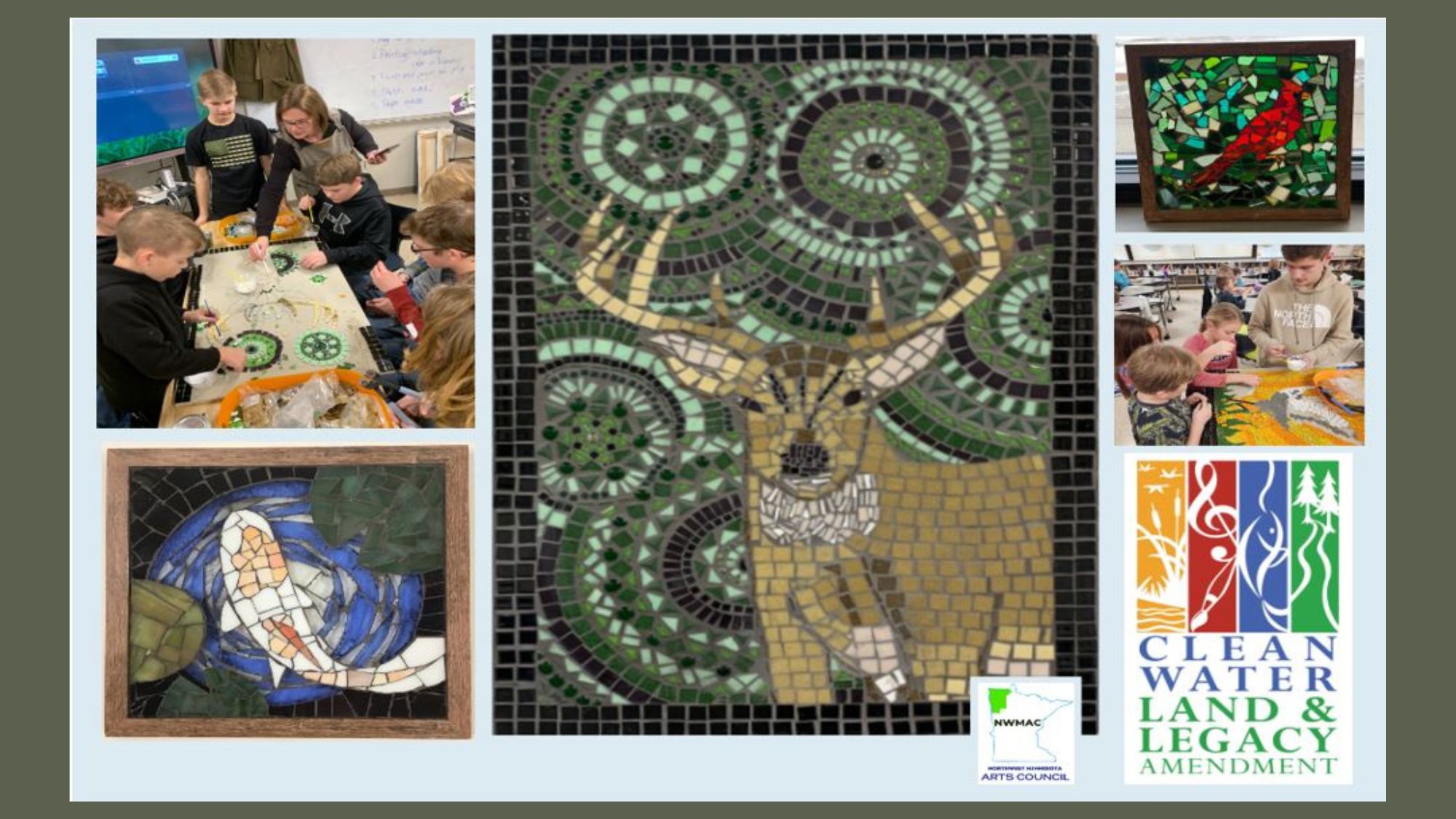
- The Art Department receives a grant from the Northwest Arts Council!
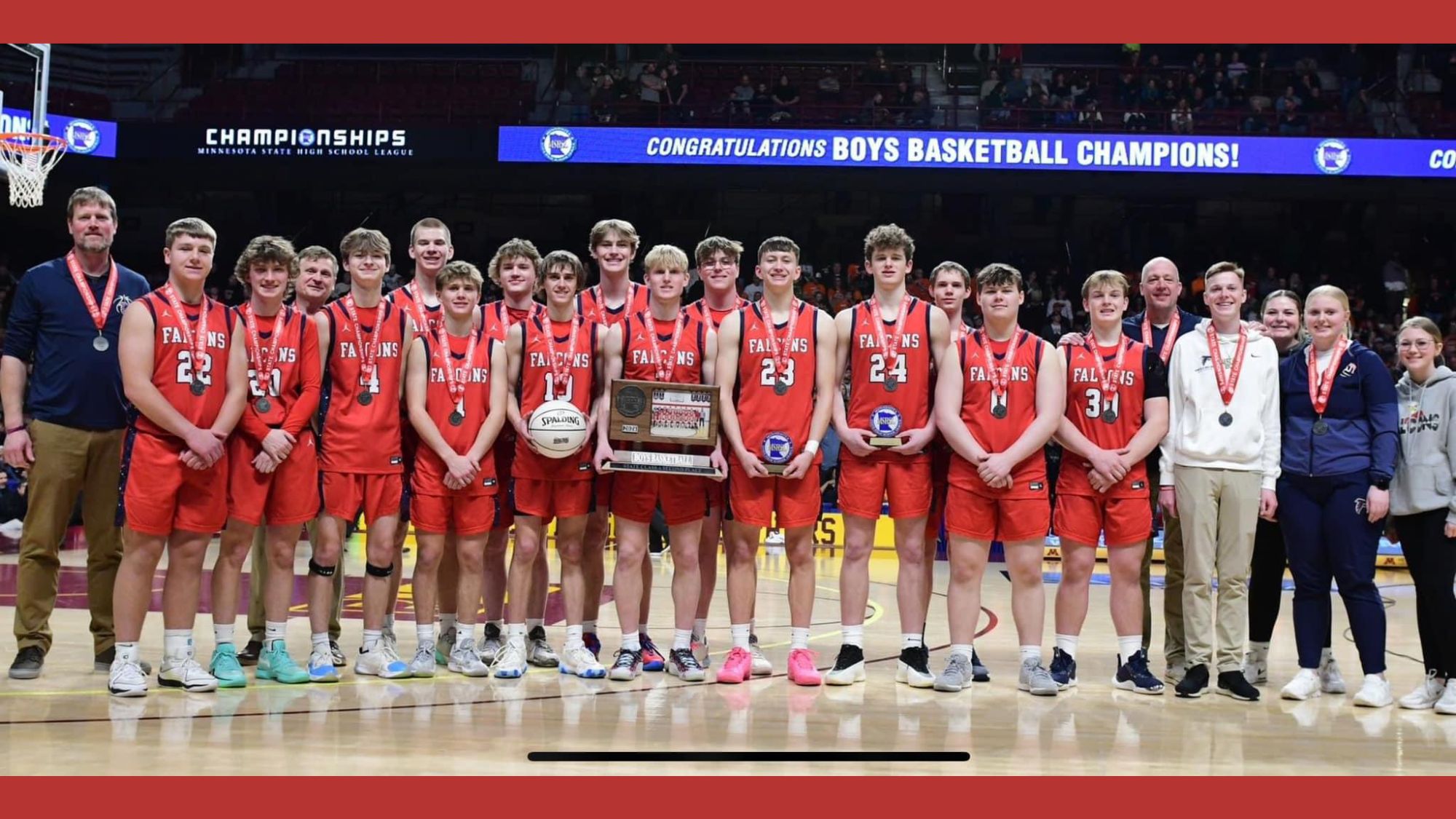
- Falcon Boys earn Second Place in MN State Class A Basketball Tourney!
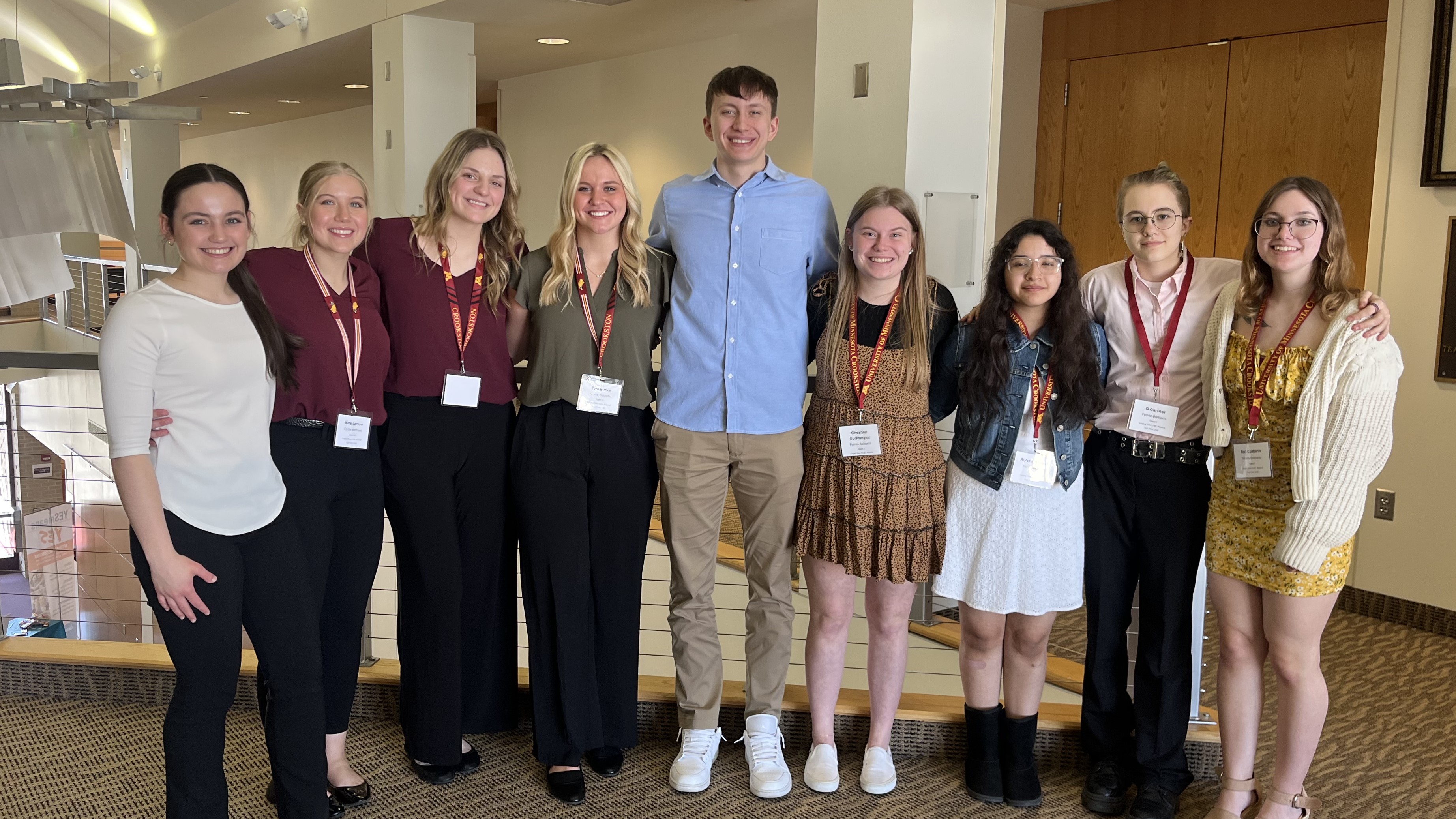
- Business Ed students competing at UMC Business Challenge receive Best Marketing Award!
- FB Students perform at the SubSection 30 Honors Concert!